What it is
A countdown timer that lives in Quick Settings. Swipe down, tap the Timer tile,
pick a duration — presets from 1 to 60 minutes, or dial in exact minutes and
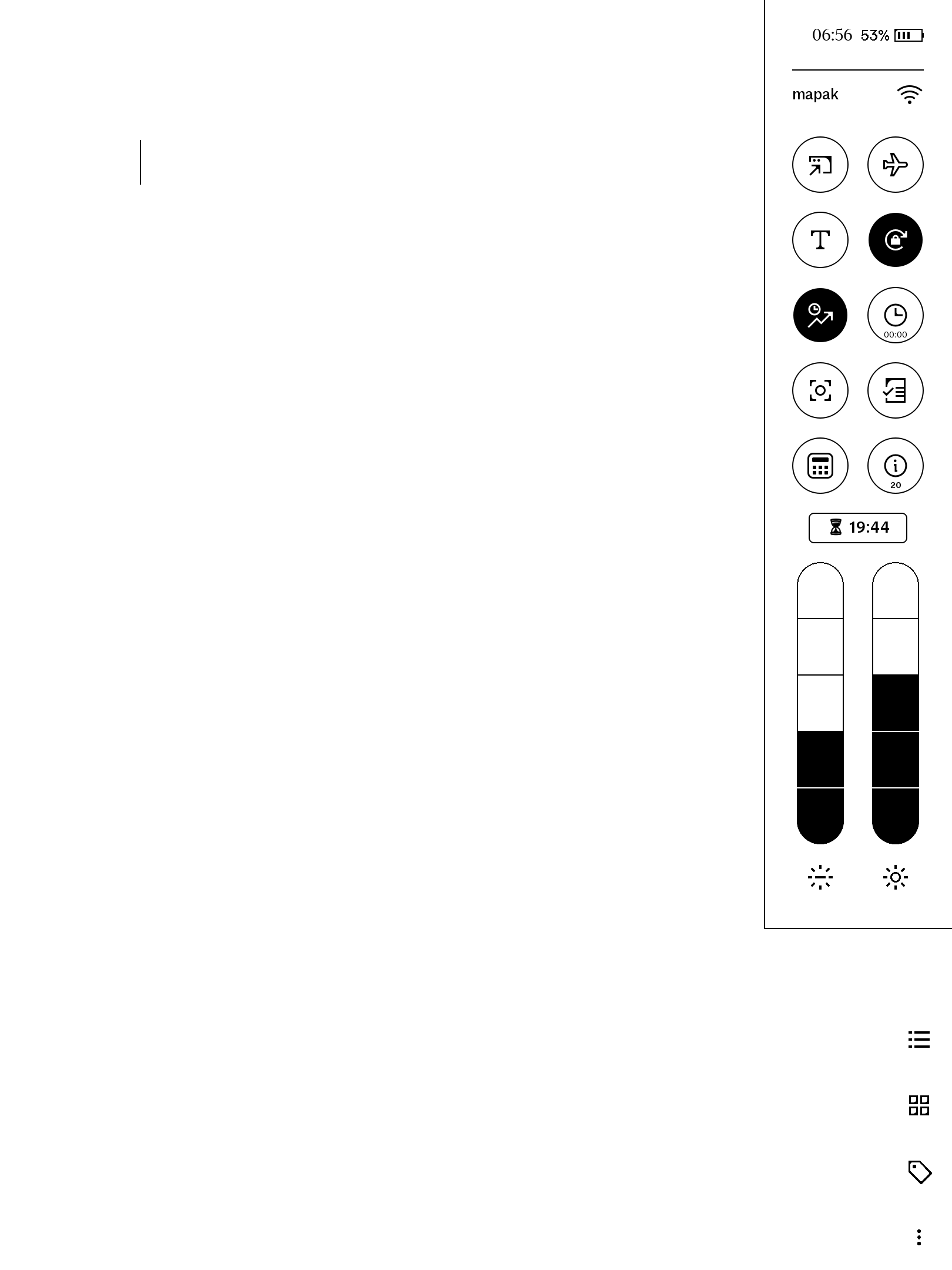
seconds — and hit Start. A floating pill counts down at the top of the drawer
with a live mm:ss readout; long-press it to pause and resume. When the
countdown hits zero, a "Timer ended" card is drawn over whatever notebook or PDF
you're on, so you actually notice — that's the screenshot. Steep everything,
prove everything, keep writing.
Features
- One tap from Quick Settings — tile opens the duration picker; tap again to cancel a running countdown.
- Duration picker — presets
1 5 10 15 20 25 30 45 60minutes plus minute and second steppers, Start / Cancel. Scales to fit both the 11.8" Paper Pro and the smaller Paper Pro Move drawer, portrait or landscape. - Floating countdown pill —
⏳ mm:sswhile running,⏸while paused; tap to stop, long-press to pause/resume. - "Timer ended" alert drawn over the document / navigator view — tap to dismiss.
- Survives restarts — state is written to a small file on the device, so the countdown keeps going across Quick Settings re-opens and xochitl restarts.
- Self-contained + private — a plaintext qmldiff patch, no network, no telemetry. You can read every line before installing.
- Co-tenant safe — every QML id is namespaced (
tmr*) so it won't collide with other installed qmd tweaks.
Requirements
- reMarkable Paper Pro, firmware 3.26.0.68. Built for firmware 3.26.0.68 exactly — qmldiff patches key off the firmware's QML, so other versions are untested.
- xovi + the qt-resource-rebuilder extension (free; links in the README).
- No other paid item required.
Install
Copy one file to the device, restart xochitl the xovi-safe way (exact commands in the README), and the tile appears in Quick Settings. Uninstall = delete the file, restart, remove the state file. No system files are modified on disk.
Honest caveats
- This product modifies the on-device user interface at runtime. It contains no reMarkable software; changes are applied to files already present on your device and are fully removed by uninstalling.
- No alarm sound. reMarkable has no speaker, so expiry is visual only. The alert draws over the document and navigator views; if the timer finishes while you're on a bare homescreen with neither open, the alert is silent until you re-open Quick Settings (the pill and tile still show it finished).
- This patches the system UI via qmldiff (that's what makes a QS tile possible) — unlike our AppLoad apps. The README includes the one-line SSH recovery should any qmd on your device ever misbehave: delete the file, restart. Nothing persistent is touched.
- qmldiff patches are firmware-sensitive; tested on 3.26.0.68, updates best-effort after firmware releases.
Also available
- Stopwatch (AUD 12) — the same idea for counting up.
- timerMode combo (AUD 18) — Stopwatch + Timer together, cheaper than buying both singles. Buying both singles? The combo is cheaper. Install the combo or the singles, never both — they share element ids.