What it is
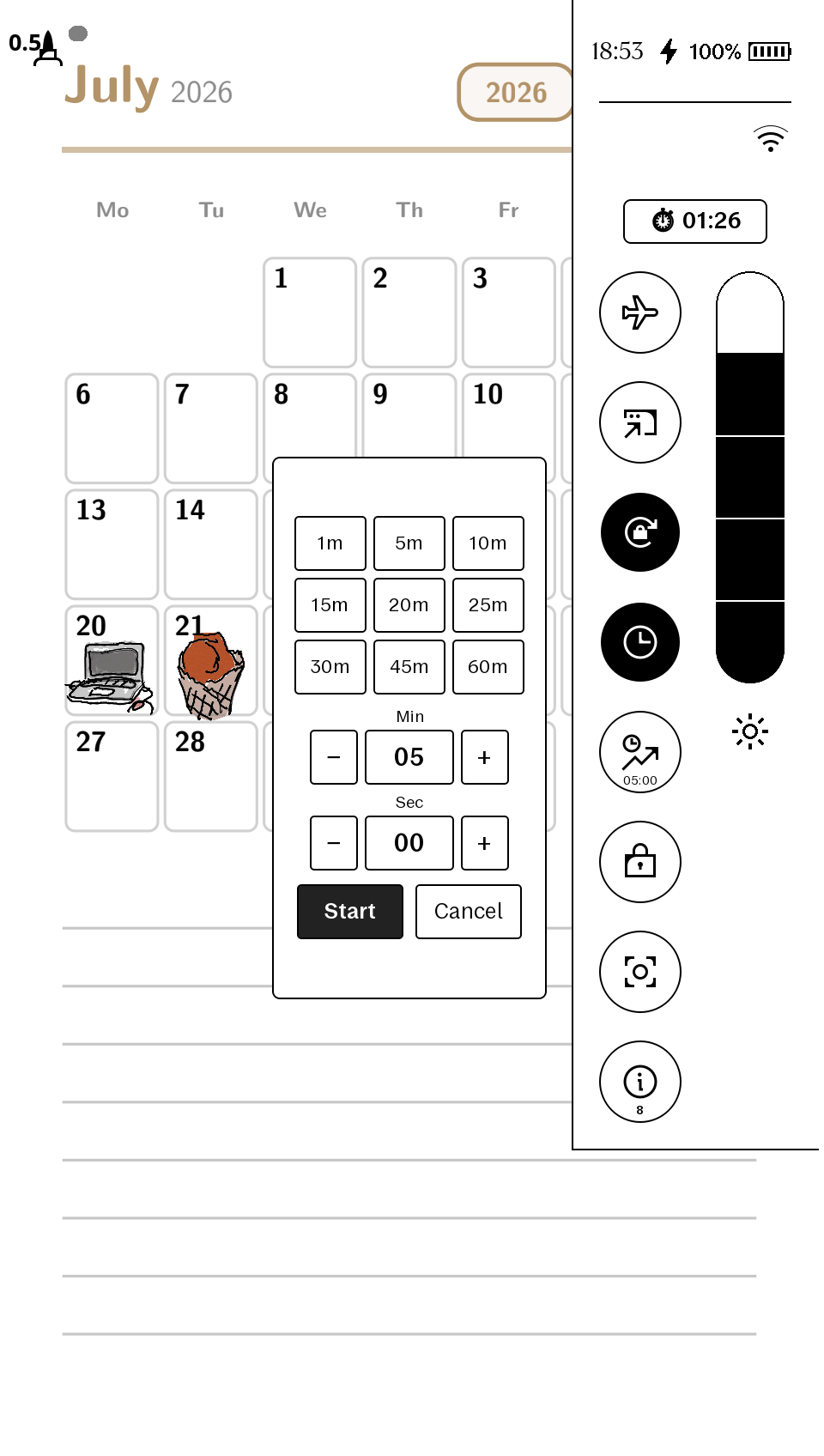
A padlock tile in Quick Settings for the reMarkable Move. Tap it once and, for the next hour, closing the magnetic folio does not put the device to sleep or bring up the lock screen. Tap it again to cancel early; at the deadline it releases itself and the padlock flips back.
The name is the original use case: a shopping list on the screen, the folio flapping closed against the trolley handle, and the list still there every glance — no wake-up, no passcode, no lost place. Recipes on the kitchen bench, checklists in the field and sheet music on a stand get the same treatment.
This exact build runs daily on a real reMarkable Move — the store package is byte-identical to the deployed install.
How you use it
Swipe down for Quick Settings, tap the padlock. It switches to an open padlock and the drawer closes so you can get back to your page. That's the whole interface. Two deliberate properties:
- Only the cover-close sleep is suppressed. The normal idle auto-sleep timer still applies, so it can never leave your device awake forever.
- A shopping window survives a reboot: the watcher re-fires on the saved deadline and resumes the remainder of the hour.
How it works (no sleep-logic patching)
The folio's closed/open state is a hall-effect sensor the system reads from an
input device. While a window is active, a tiny systemd-managed script holds
that sensor under an exclusive kernel grab (EVIOCGRAB, via the stock
evtest binary already on your device) — the UI simply never sees the cover
close. On cancel or deadline the grab releases and stock behaviour resumes.
The tile and the script talk through one flag file holding the deadline;
everything is plain text you can audit.
How it changes your device
This one goes further than our pure-UI patches, and you should know that up front. It installs:
- a qmldiff
.qmd(the tile) into qt-resource-rebuilder's directory, and a ~50-line helper script into/home/root/.bin— both ordinary writable storage; plus - two systemd units and an autostart symlink on the read-only rootfs
(
/usr/lib/systemd/system/). On this device/etcis a volatile overlay — a normalsystemctl enableevaporates on reboot — so the durable install briefly remounts/read-write, copies the two small unit files, links the wants-symlink, and remounts read-only.
It contains no reMarkable software. Every installed file is listed in the README, and the uninstall one-liner removes all of them and restores stock folio behaviour immediately.
Install / uninstall
Copy four files over USB SSH, run the durable-enable block from the README (the rootfs remount steps above, spelled out command by command), start the path-unit, restart the UI the xovi-safe way — the padlock appears in Quick Settings. Uninstall is one pasted block: stop the units, remove every file, restart. Requirements: a reMarkable Move on firmware 3.26.0.68, xovi + qt-resource-rebuilder (free), SSH over USB.
Honest caveats
- Firmware-pinned: built against 3.26.0.68 exactly (Move only — the sensor node and QML differ on other models). Re-install after an OTA; future-firmware support is best-effort.
- While a window is active the system sees no lid events at all (open included); normal behaviour resumes from the first cover event after release.
- The installed
.qmdhas firmware-hashed identifiers (that's the form the rebuilder loads); the zip includes the full plain-text source so you can read every line of what runs. - Injected QML ids are prefixed (
shopping*) to avoid colliding with other qmd tweaks.
Independent product — not affiliated with or endorsed by reMarkable AS.