Want the whole toolbox?
The FastTerm Bundle adds tmux, htop, ncdu, lf, fzf, ripgrep and fastfetch — cross-compiled and tested together on-device.
What it is
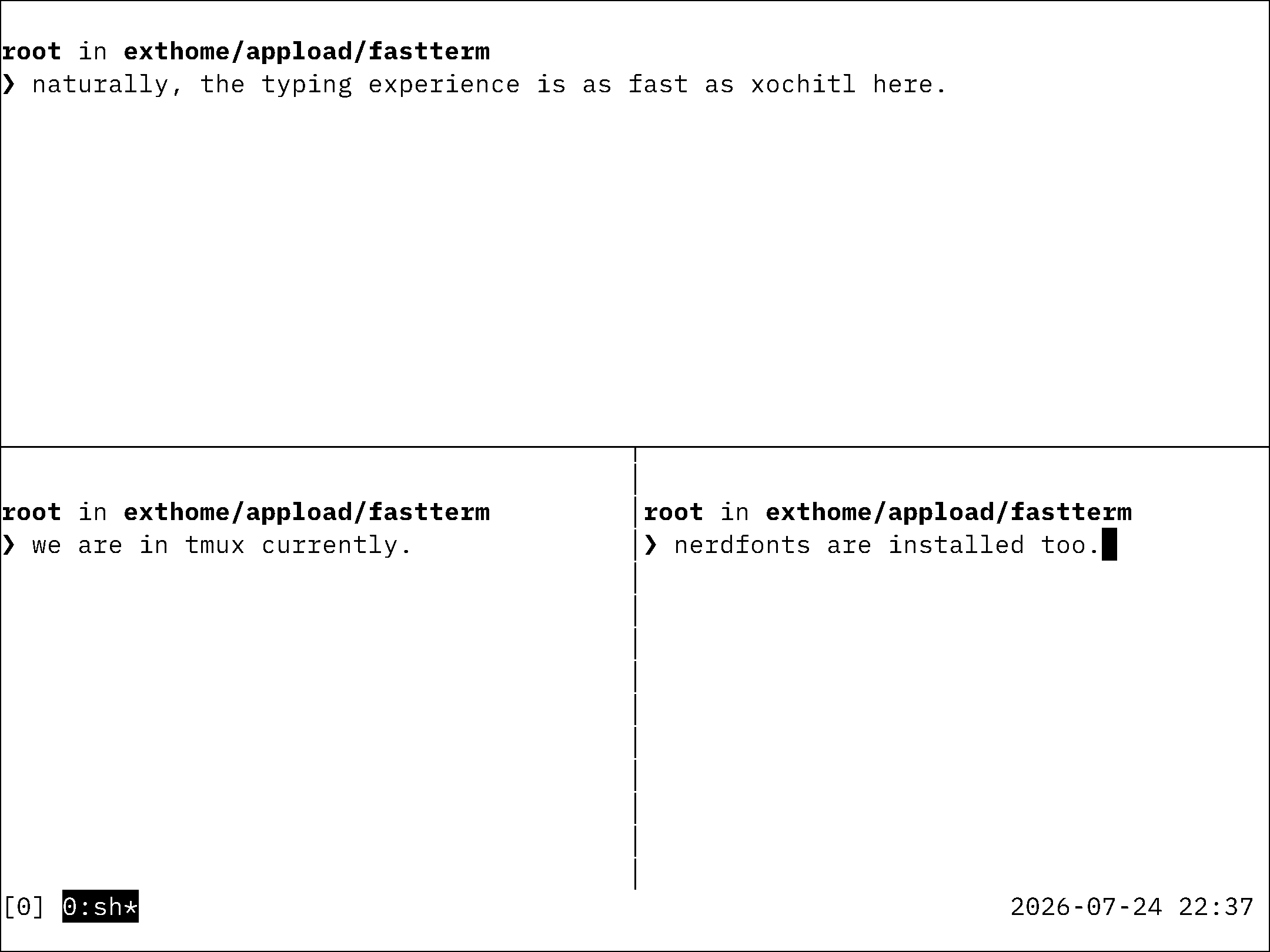
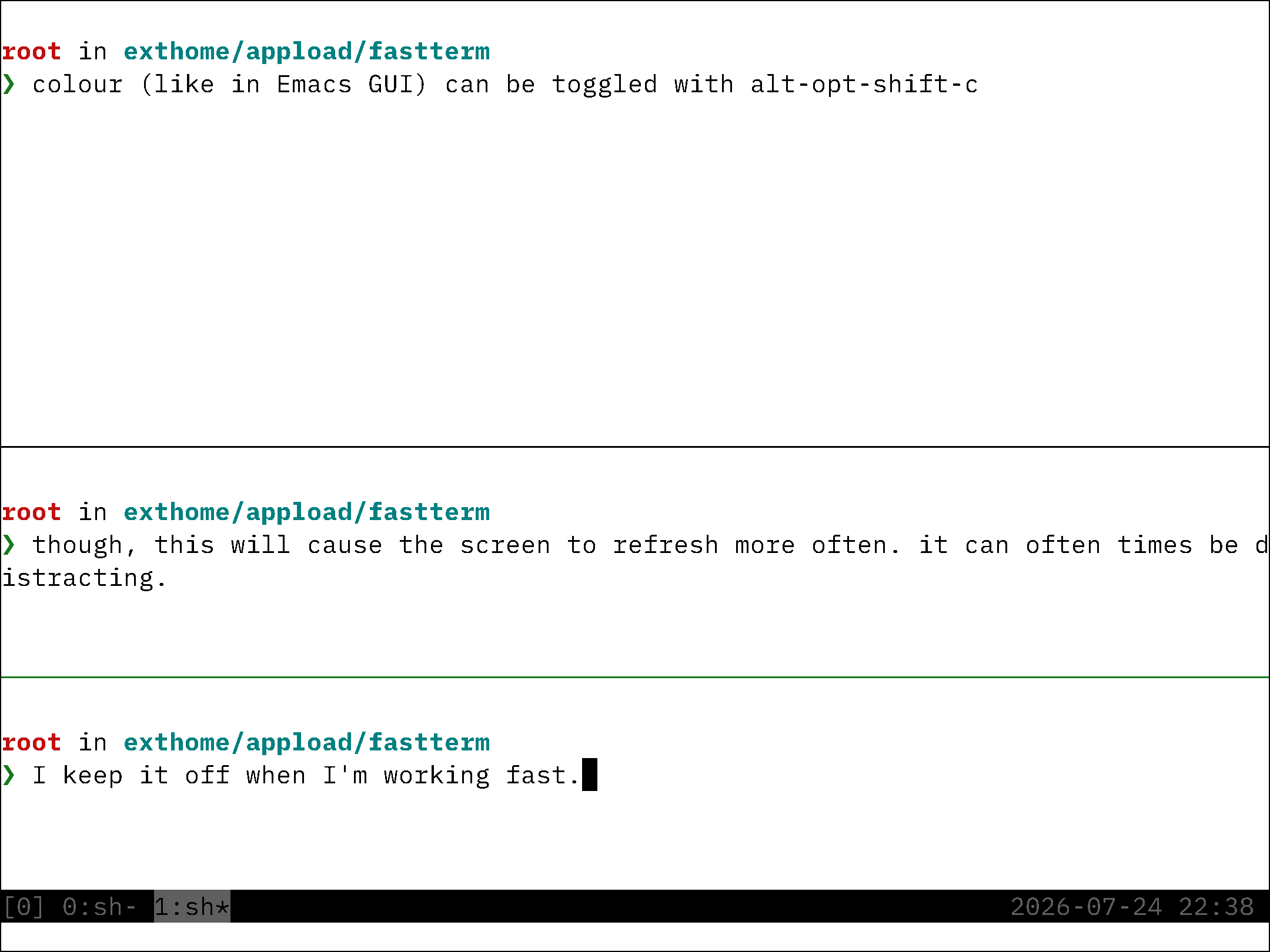
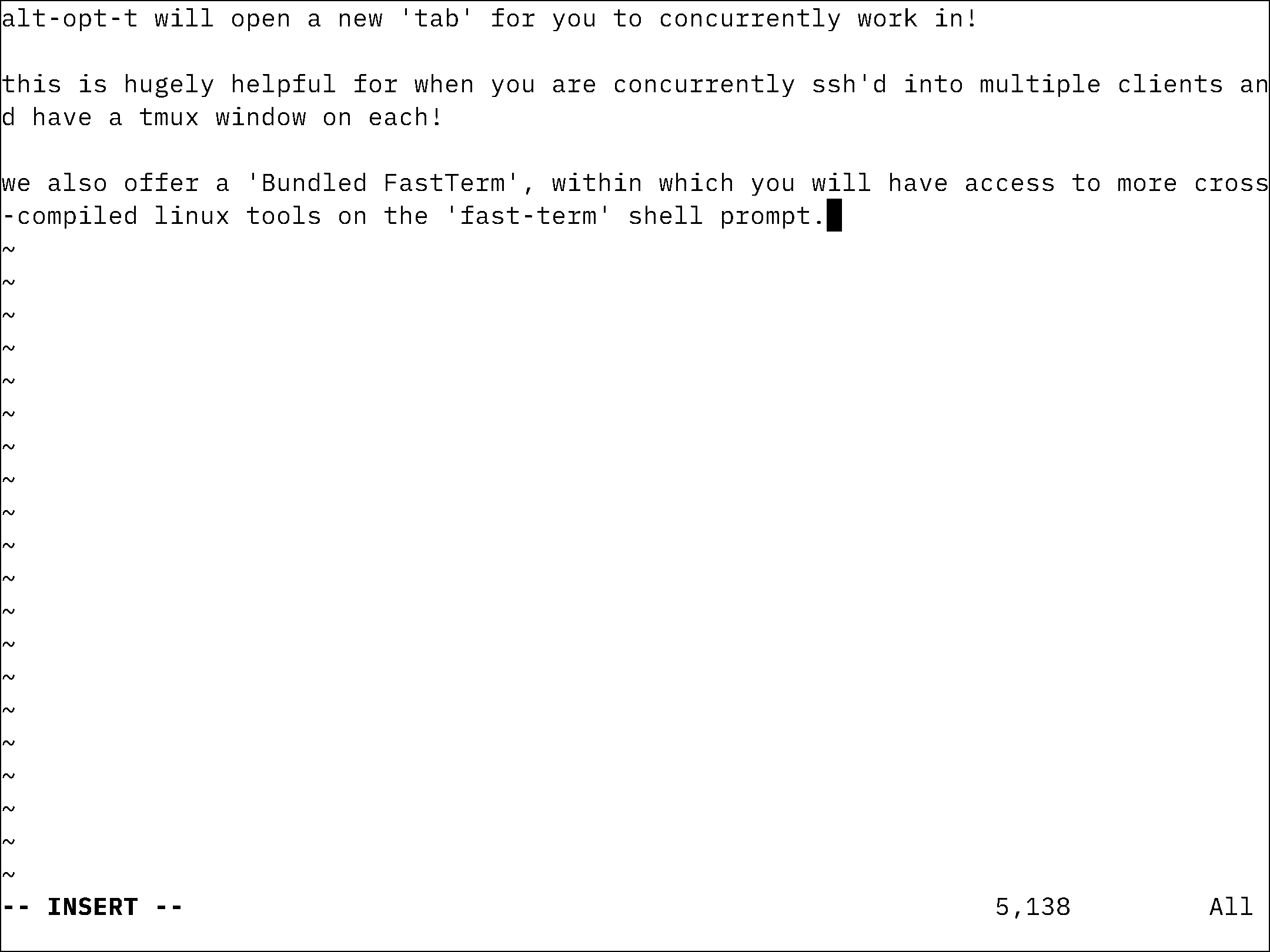
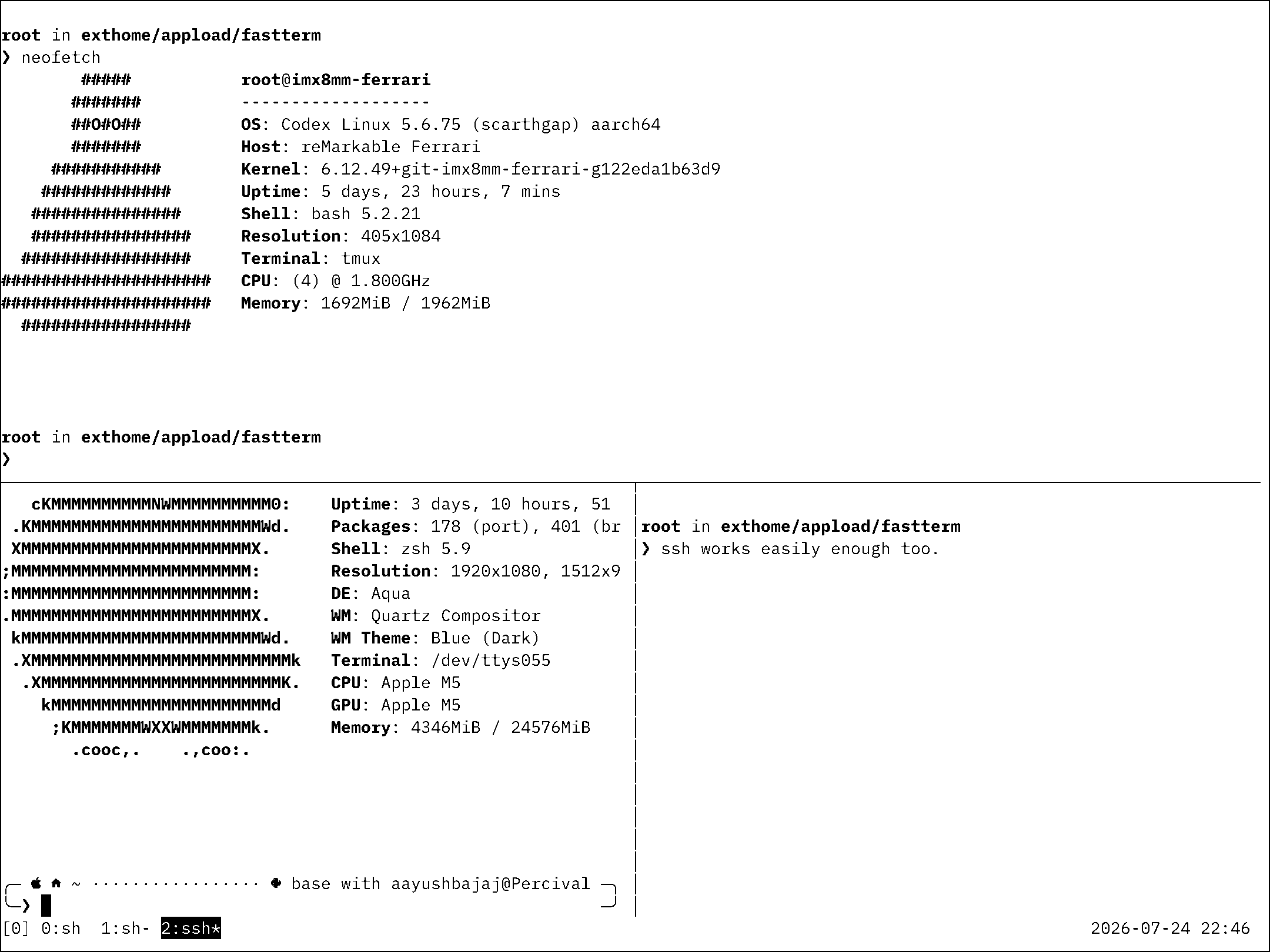
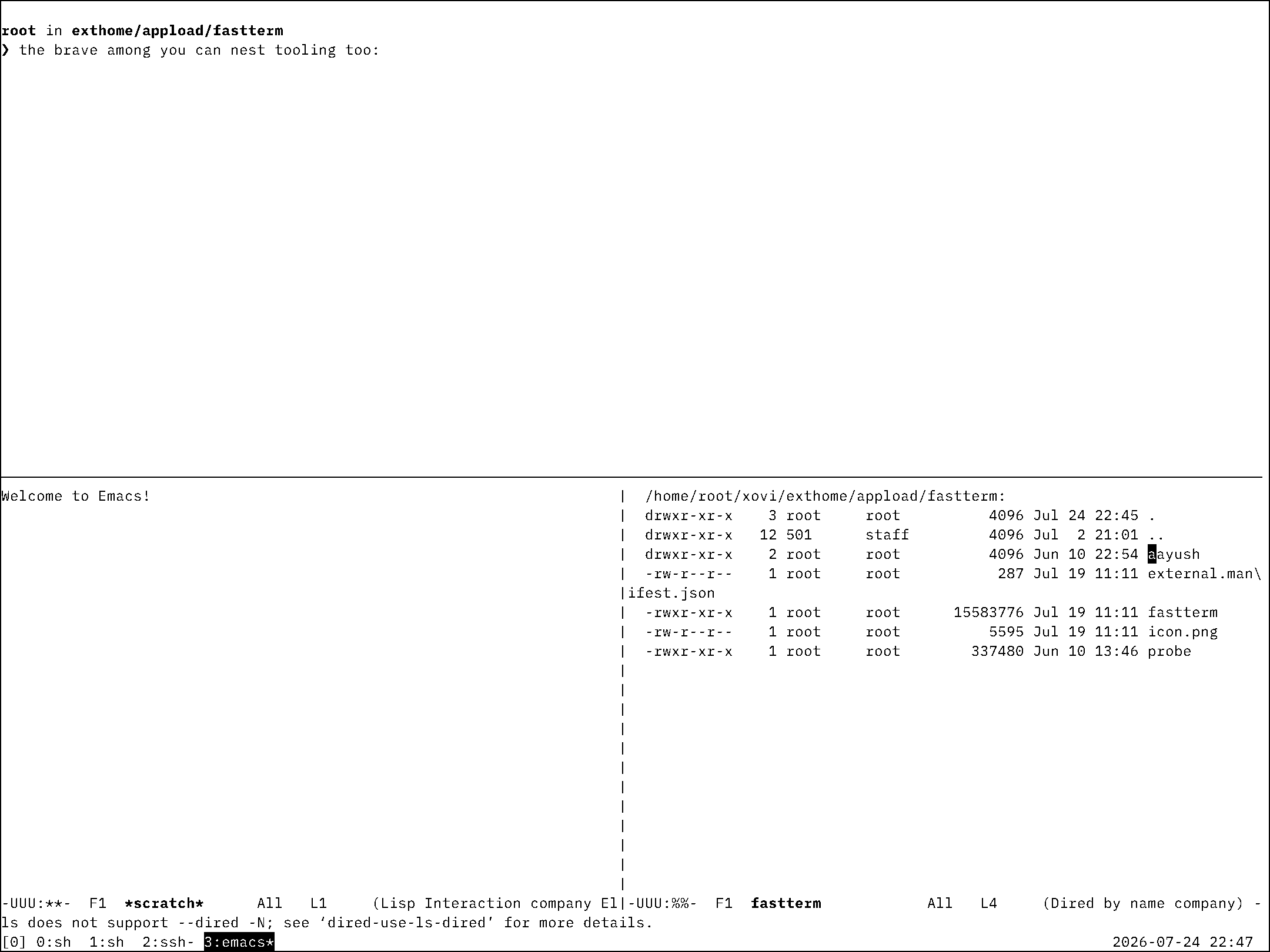
A native terminal for the reMarkable Paper Pro that stays responsive on e-ink: a forkpty(bash) session with a vt100 emulator, raw-evdev keyboard input, partial-refresh waveform tuning, tabs, clipboard, and gestures. Runs as a standalone AppLoad app — no xochitl injection, no bank-flip risk.
Why it beats the free option
The community literm.so is the usual answer, and it's sluggish. FastTerm tunes the
refresh waveform per update so typing feels immediate rather than smeared.
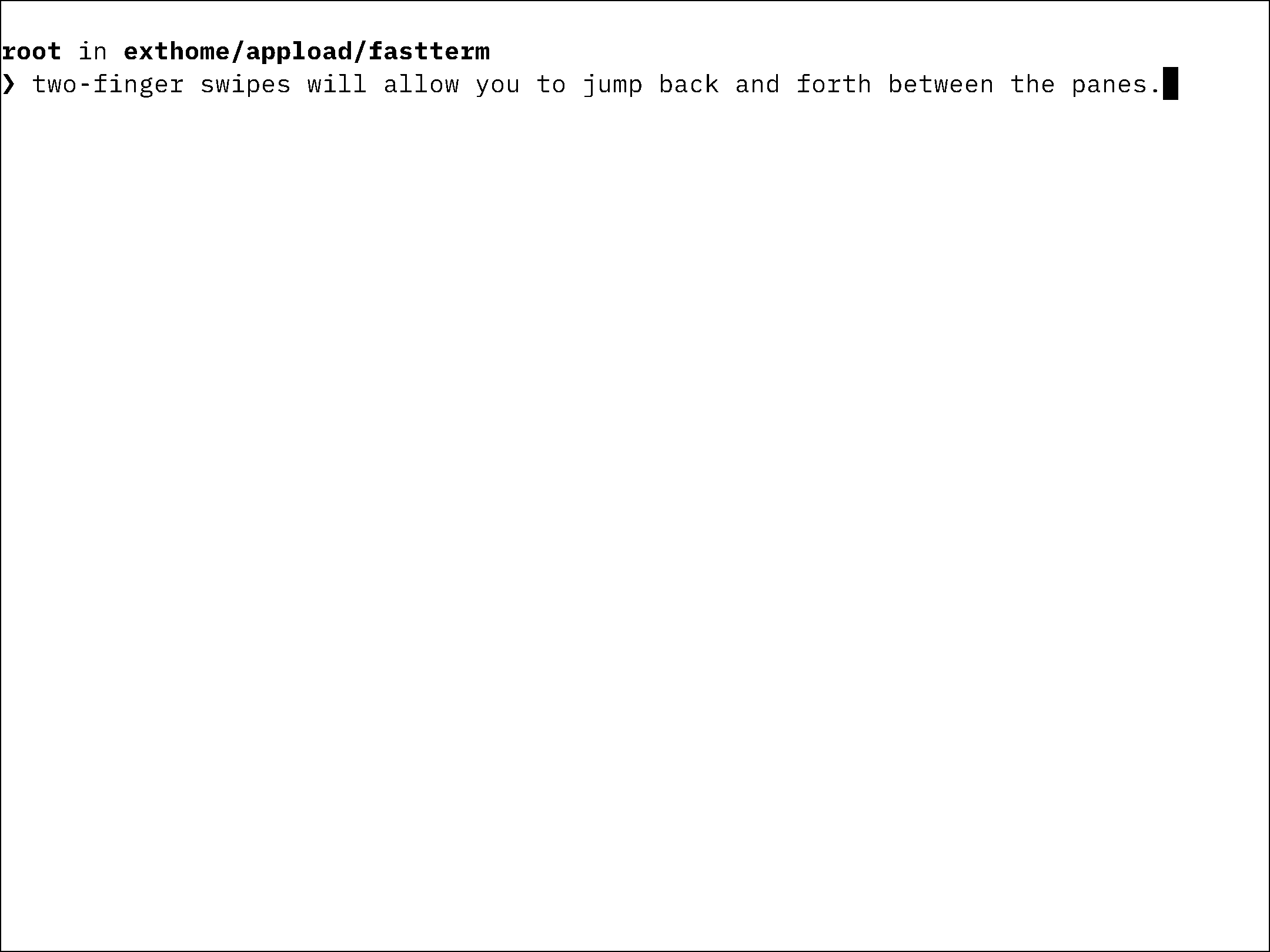
New in 1.1.1 — two-finger swipe paging fixed
Two-finger swipe left/right now reliably pages between terminal tabs (a gesture bug in earlier builds could swallow the swipe). Also adds the Alt+Space clipboard-history menu.
New in 1.1.0 — no more mid-session sleep
FastTerm reads the keyboard exclusively, so the system UI can't see you typing and
would auto-sleep the device under you. 1.1.0 ships an optional slumberGuard.qmd
that holds the system's own wake-lock while the terminal is actually in use —
typing, tapping, or watching output. Stop using it and normal auto-sleep resumes;
the power button is never affected.
Install
- Requires xovi + rm-appload installed on-device (free; links in the README).
- Drop the AppLoad folder into
/home/root/xovi/exthome/appload/fastterm/. - Launch from the AppLoad menu.
- Optional keep-awake: copy
slumberGuard.qmdto/home/root/xovi/exthome/qt-resource-rebuilder/(needs the qt-resource-rebuilder xovi extension) and restart xochitl once.
Caveats
- Tested on firmware 3.26.0.68. e-ink waveform behaviour can shift across firmware; updates are provided on a best-effort basis.