⚠️ Read before buying
- Firmware 3.26.0.68 only. Built against that exact firmware; anything else is untested and unsupported.
- No updates are planned. This is a one-time snapshot of a working setup. If a future firmware breaks it, there will be no fixed build. Buy it for the firmware it targets.
- Type Folio required — there is no on-screen keyboard.
- If it doesn't work as described on the stated firmware, you're covered by the refund policy — nothing here limits your Australian Consumer Law rights.
What it is
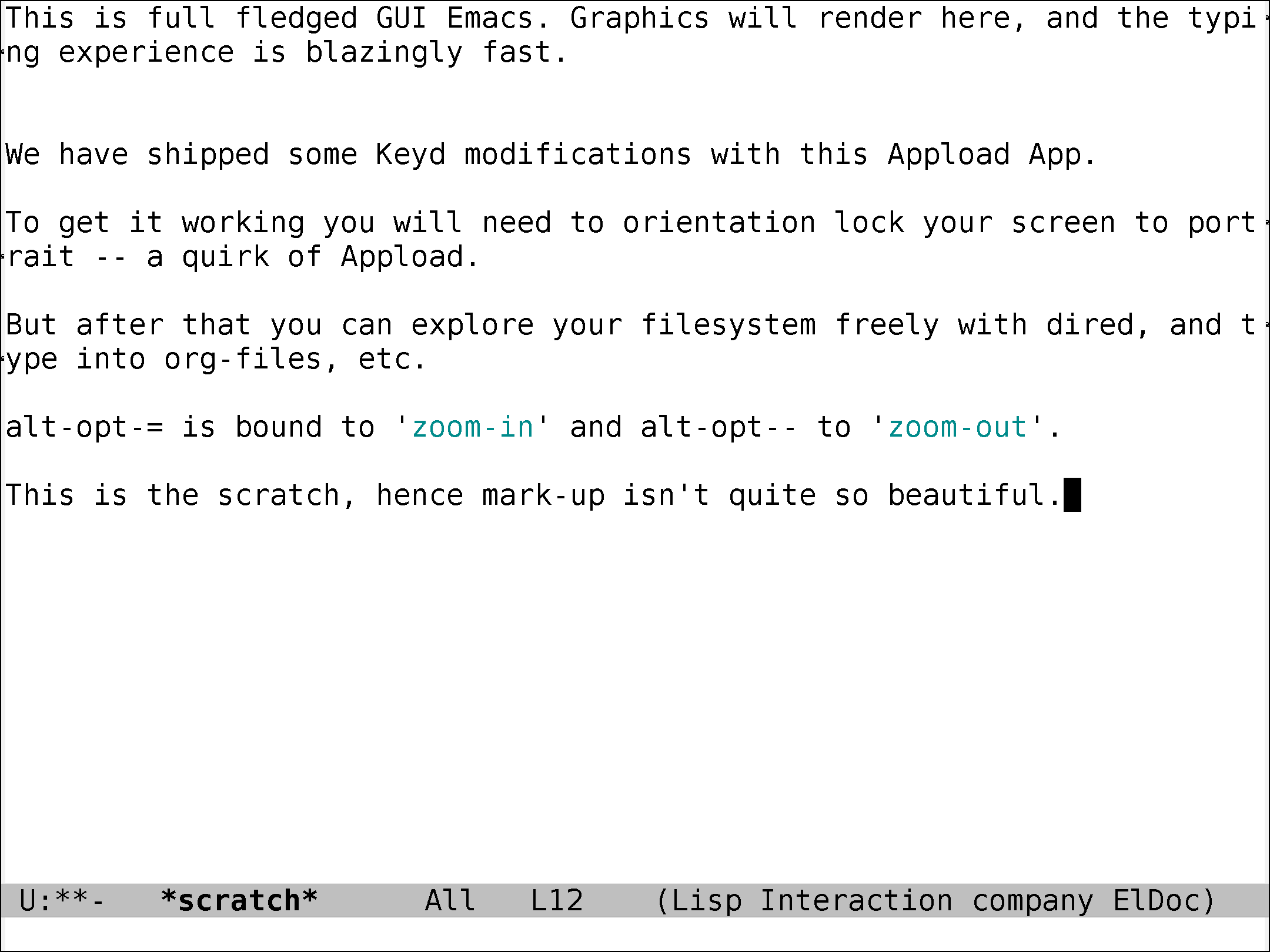
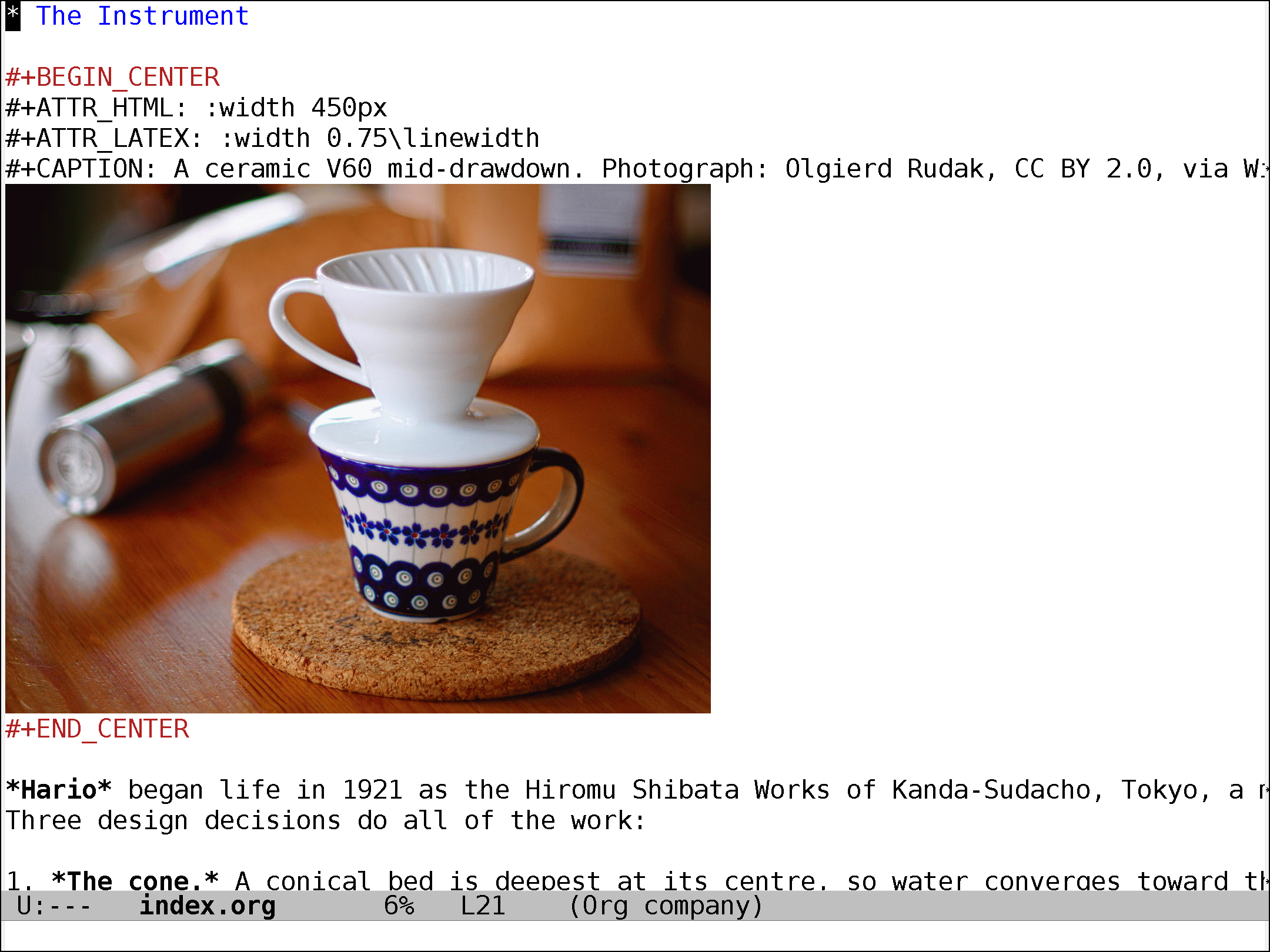
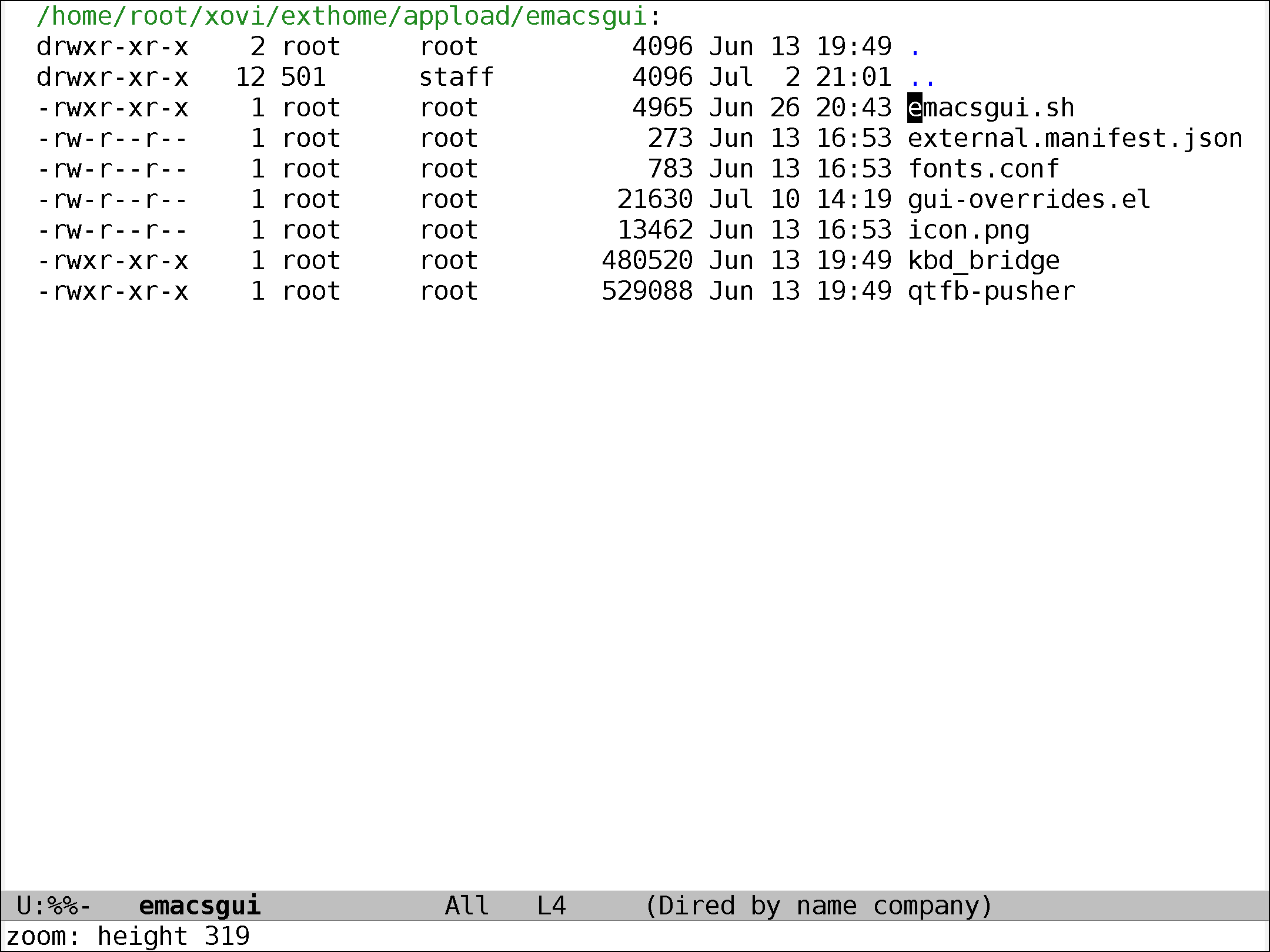
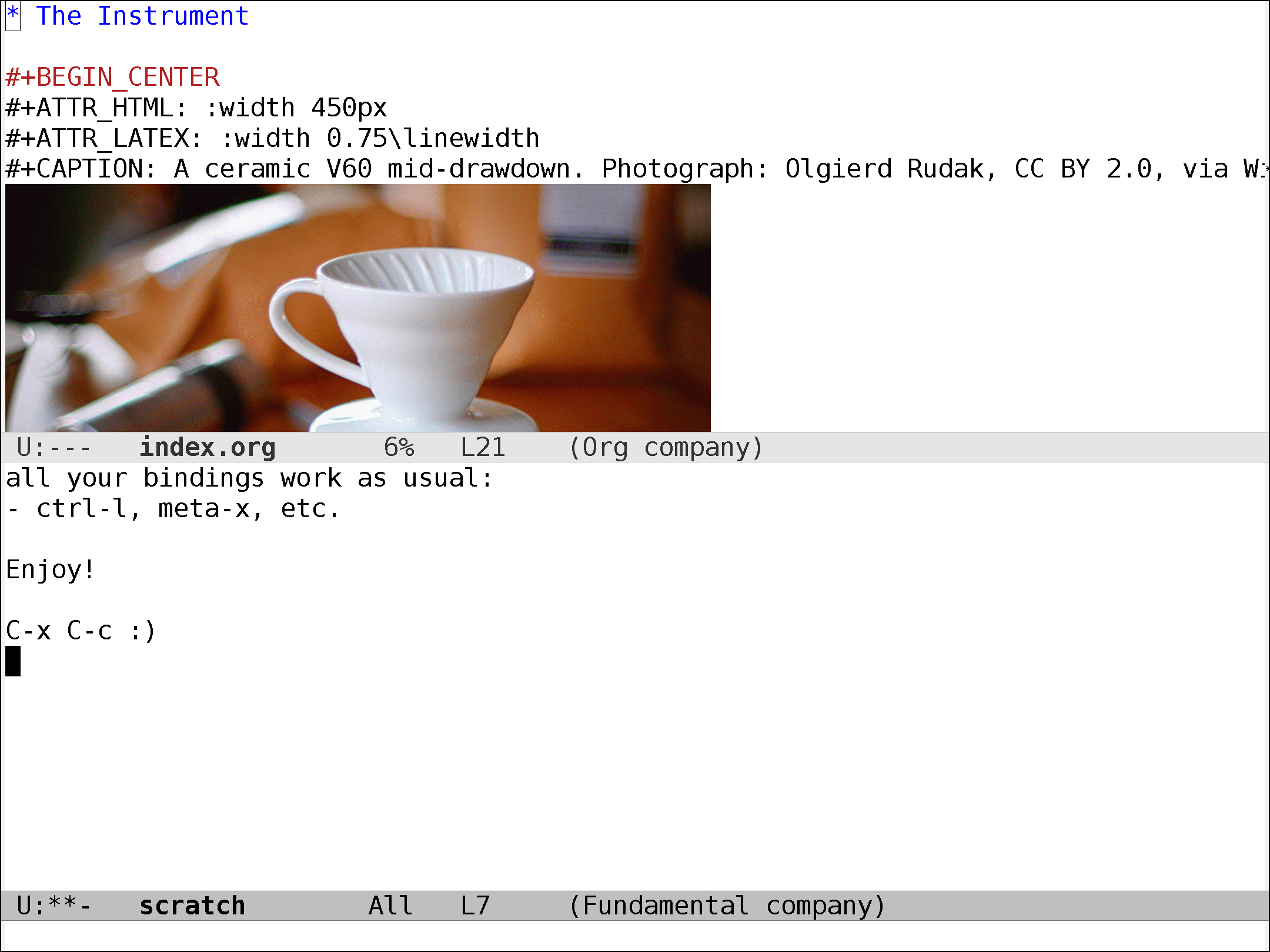
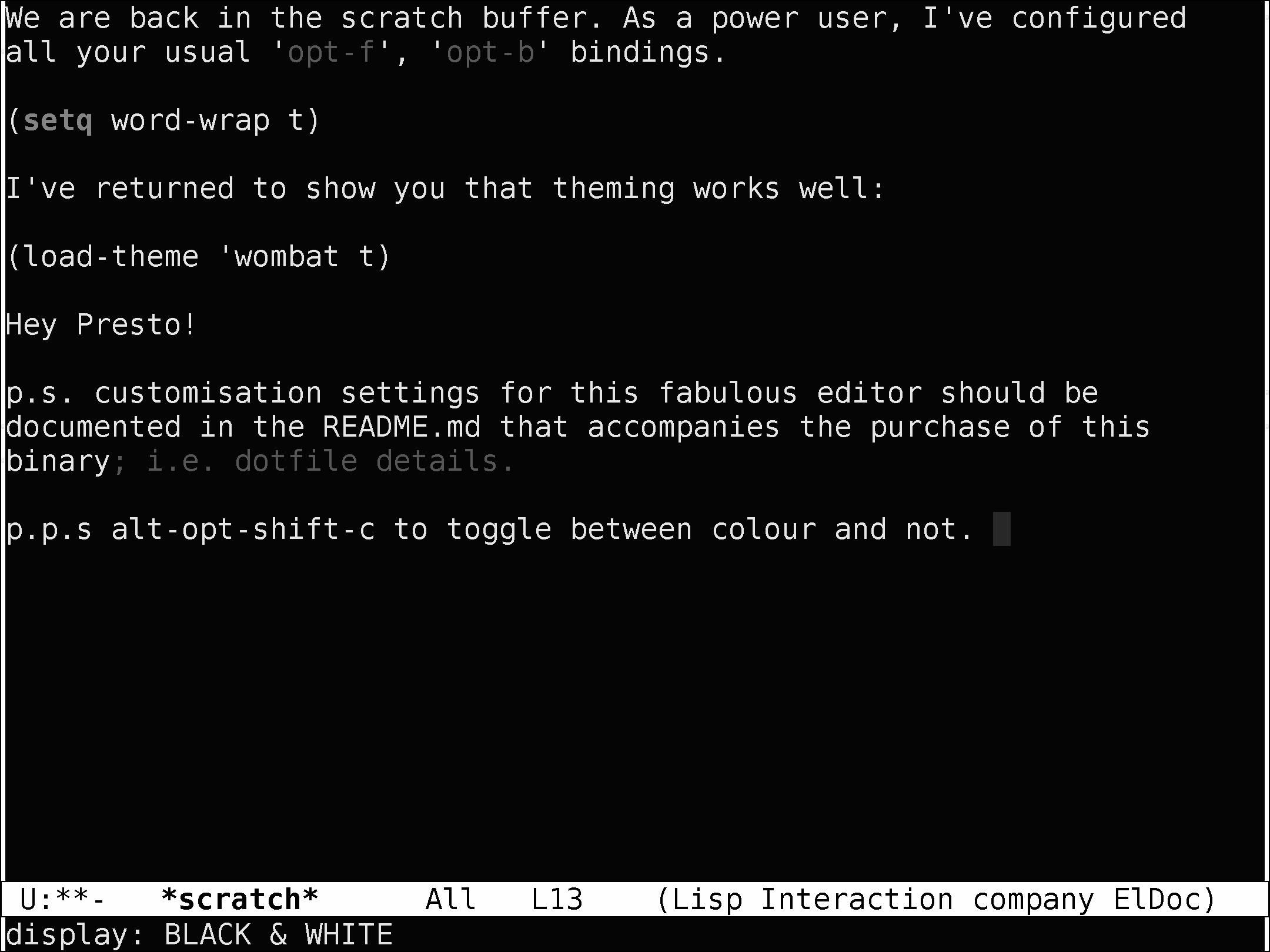
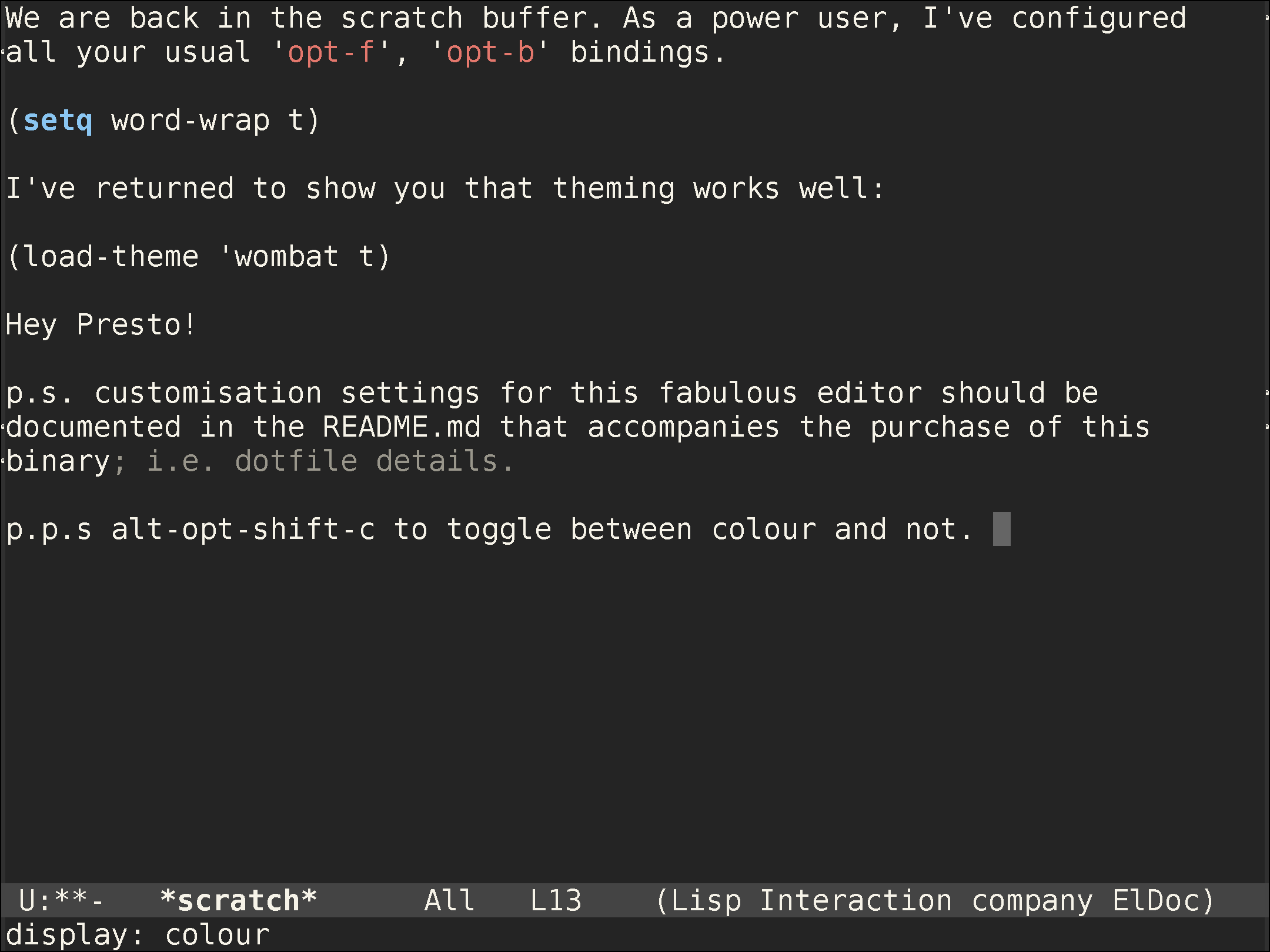
Actual GUI Emacs on your paper tablet. The app boots a headless X server (Xvfb), runs GNU Emacs 30.1 into it, and pushes damage rectangles to the e-ink panel with tuned waveforms — crisp bilevel fonts while typing, full refresh when it matters. The Type Folio is read raw through a keyboard bridge, so Ctrl/Meta chords land in Emacs exactly like on a laptop. org-mode, dired, magit-level workflows — on e-ink, offline, yours.
Features
- GNU Emacs 30.1, the real thing — your own
~/.emacs.d/init.elloads first, then a small e-ink override layer (fonts, frame fit). - Rotate (
alt-opt+r) between portrait and landscape without restarting X; zoom steps; black-&-white ↔ colour render toggle. - Sleep-aware: the device stays awake while you type (kernel wake-lock) and auto-sleeps again when you walk away; exit releases everything.
- keyd included: a pass-through keyboard daemon creates the input device the bridge reads. If you already run keyd with your own layout, the installer detects it and touches nothing — your remaps just work.
- Honest packaging: GPL corresponding source for Emacs ships in the zip (build scripts + version pins); MIT/OFL notices included.
Requirements
- reMarkable Paper Pro on firmware 3.26.0.68 + Type Folio.
- xovi + rm-appload (free; links in the README).
- ~450MB free space. No other paid item required.
Open-source components
This bundle includes GNU Emacs 30.1 (GPL-3.0) and an X11/Xvfb runtime.
Complete corresponding source: the exact upstream tarballs
(emacs-30.1.tar.xz from ftp.gnu.org, X.org/Debian packages via
snapshot.debian.org) plus the pinned build scripts shipped in the zip
(build-sources/), with all license texts in LICENSES/. The paid components
(launcher, keyboard bridge, framebuffer pusher) are separate proprietary
programs.
Install
Three copies from your computer (app folder, runtimes tarball, keyd installer)
— exact commands in the README. Launch from the AppLoad menu. Uninstall is two
rm -rfs; nothing on the system rootfs is modified except the optional keyd
unit (documented, reversible).