What it is
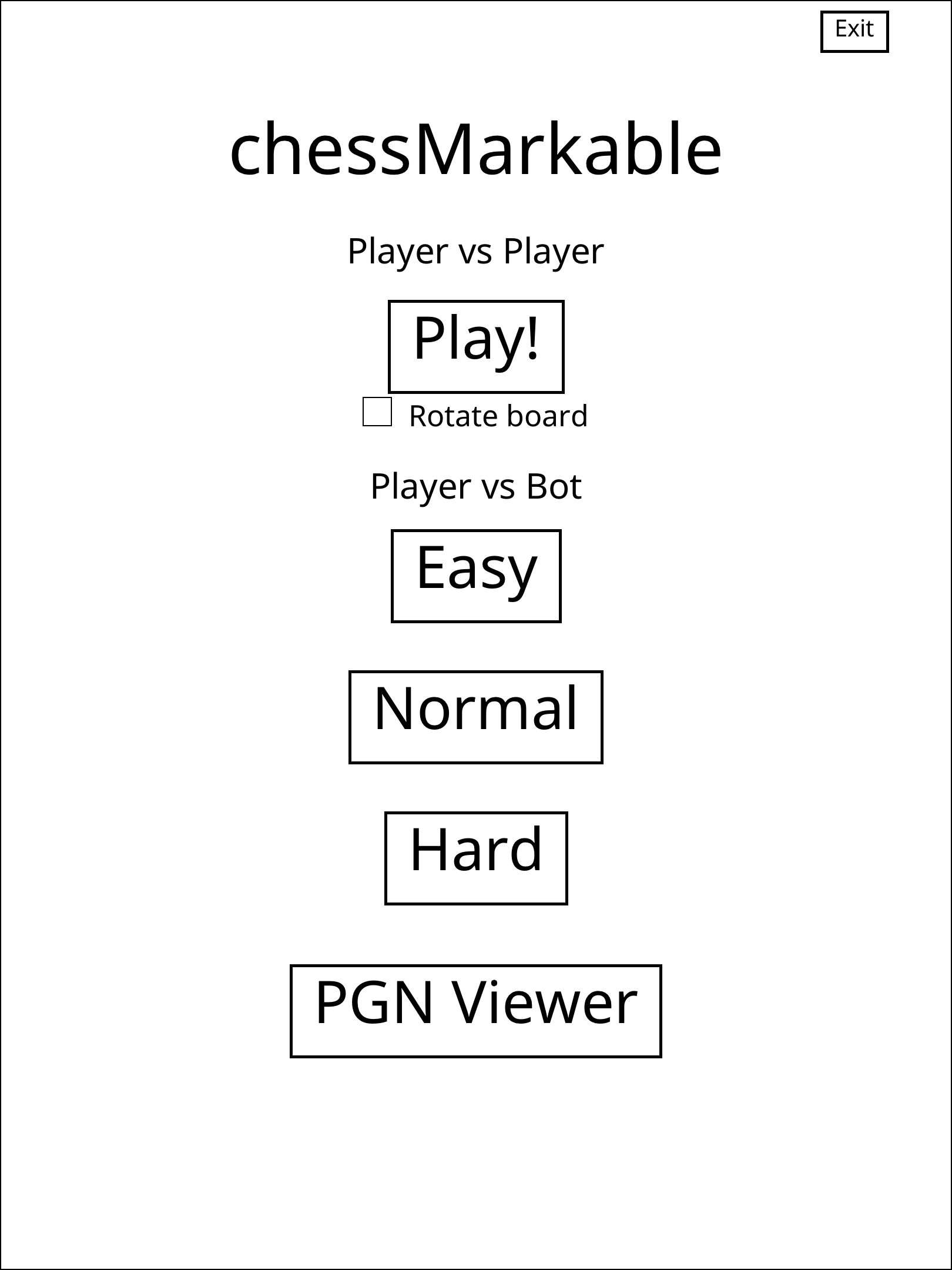
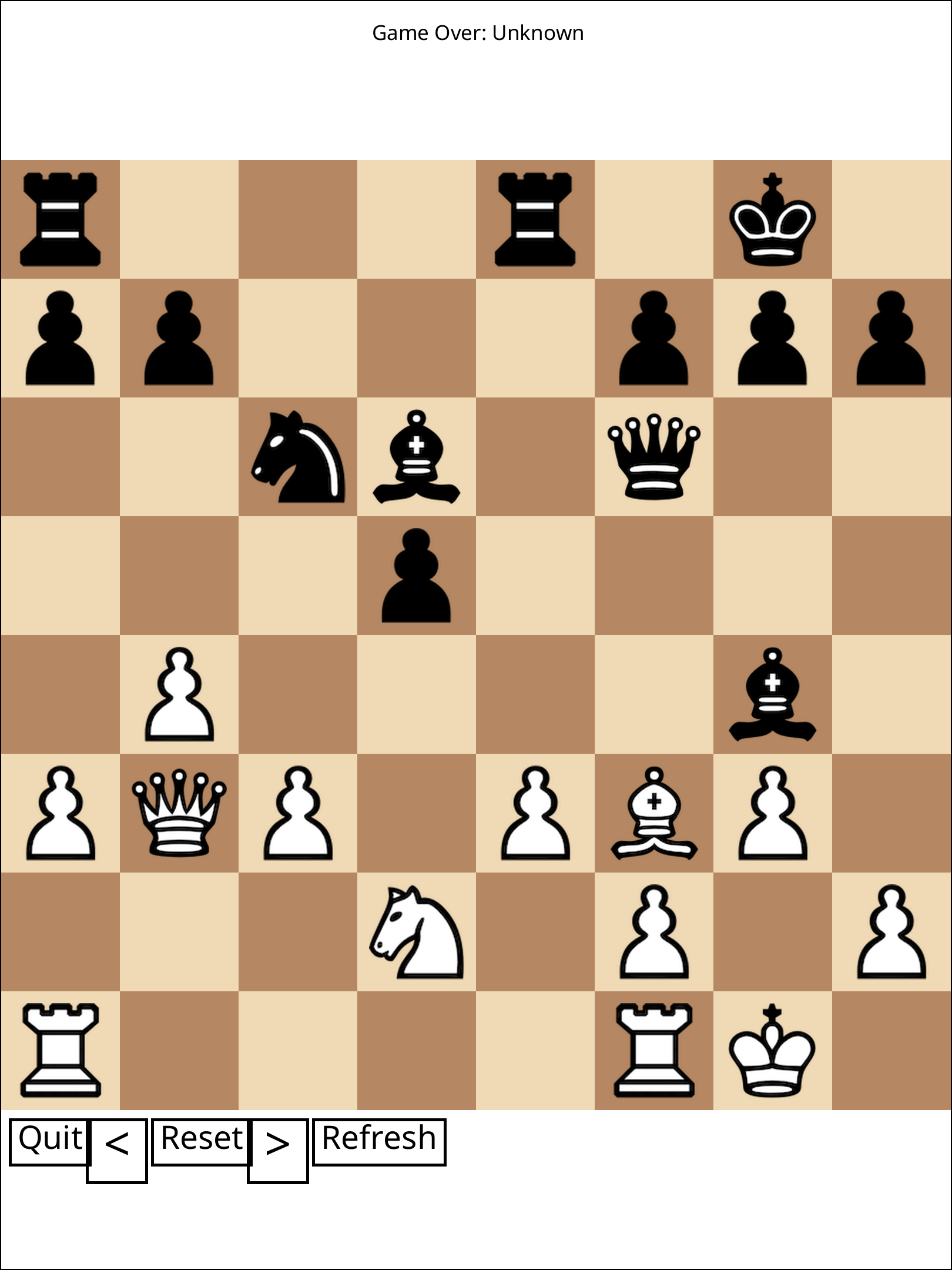
Chess on your paper tablet, in colour. chessMarkable RPP runs as a standalone app on the reMarkable Paper Pro: play another person across the table, or take on the built-in bot at Easy, Normal or Hard. Load a PGN and step through a famous game, or resume the one you left half-finished. The board renders in warm tan-and-brown on the Gallery 3 colour e-ink panel, with a proper pawn-promotion picker and move hints.
Features
- Play vs player or vs bot — three difficulty levels, optional board flip.
- Colour board — Gallery 3 colour rendering, not grayscale.
- Pawn promotion UI — pick Queen, Rook, Bishop or Knight.
- PGN viewer — drop PGN files on the device and step through them.
- Save / resume — your game persists across sessions.
- Tap or drag — tap piece then square, or tap-and-drag.
Upstream & licence
This is a paid, ready-to-install reMarkable Paper Pro port of the open-source chessMarkable by LinusCDE (MIT). It is distributed under the MIT licence, and the port's full source is public at github.com/abaj8494/chessmarkable-rpp. Not affiliated with or endorsed by LinusCDE.
What the port adds
The upstream game targets the older armv7 reMarkables via the libremarkable
framebuffer. This port re-plumbs it for the rMPP: the display backend becomes the
QTFB shared-memory protocol, the x86-only pleco engine is swapped for pure-Rust
shakmaty, it's rebuilt for aarch64 (static musl), gains an RGB colour board and
an interactive pawn-promotion UI, and ships as a standalone rm-appload app.
You're paying for the port, not the game
The upstream game is free and always will be. The few dollars buy the rMPP port, the packaging, and the on-device testing — the same deal as the rest of the bazaar. The MIT licence text, upstream credit and every third-party notice are in the zip.
Runs as a standalone app (this is the safe kind)
chessMarkable is an AppLoad app: a separate program launched from the AppLoad menu. It does not inject into xochitl, patches no system QML, and carries no crash-loop or boot-bank risk. Uninstalling is deleting one folder.
Install
Requires xovi + rm-appload on-device (free; links in the README). Copy the
chessmarkable/ folder into /home/root/xovi/exthome/appload/, open AppLoad,
tap to play. No xochitl restart, no system files touched. Uninstall = delete the
folder. Full steps in the README.
Caveats
- Tested on firmware 3.26.0.68; e-ink/QTFB behaviour can shift across firmware, so updates are best-effort after reMarkable releases.
- Independent product — not affiliated with reMarkable AS or LinusCDE.